Client complaints are reactive
Agencies often find out about website problems when clients complain. Proactive monitoring prevents this.
Loading...
For Agencies
Agencies need website monitoring tools that check uptime, SSL certificates, response time, and security headers while providing client-friendly output. Here are the best options for web design agencies, SEO agencies, and website maintenance providers.
No credit card required · Real checks only · Sample monitoring workflow shown
Website health signals, not live monitoring data
The Problem
Agencies often find out about website problems when clients complain. Proactive monitoring prevents this.
Each client is different. Agencies need monitoring that works across diverse websites without custom setup.
Dashboards and alerts designed for DevOps teams overwhelm clients. Agencies need clear, simple health summaries.
How It Works
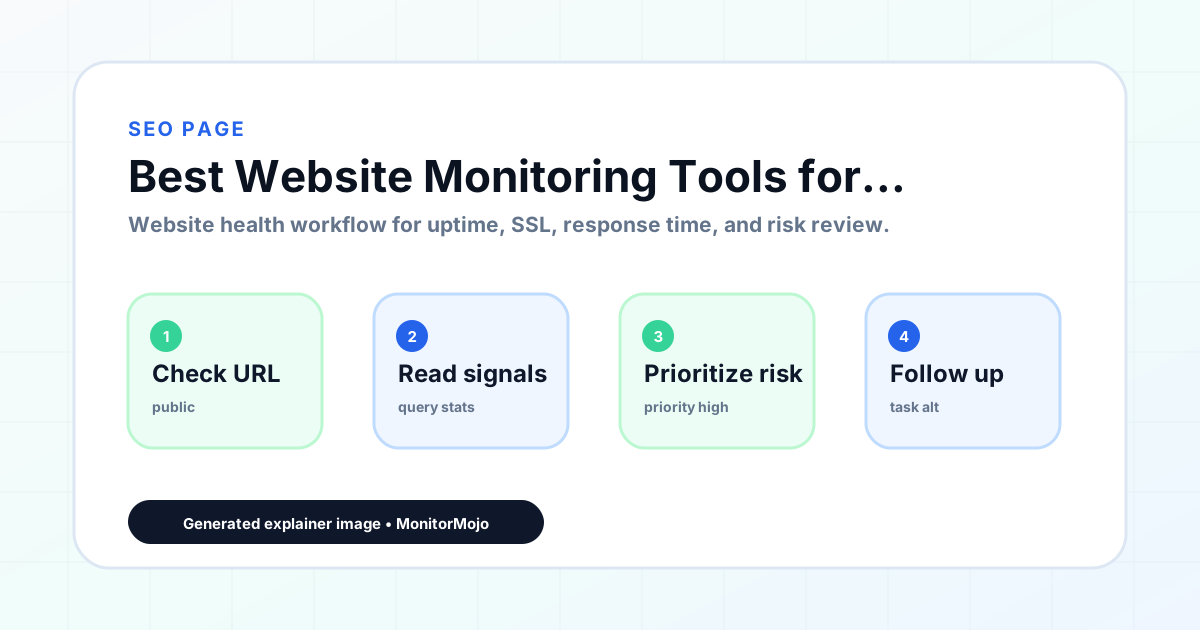
Enter the website, subdomain, or client property you need to protect.
Run a real reachability, HTTPS/SSL, response time, and configured health check.
Use the returned signals to decide what to fix before a browser error or complaint.
Features
Built for agencies. Combines uptime, SSL, response time, and security headers with client-ready summaries.
Team management features on paid plans. Simple uptime monitoring suitable for multiple clients.
Status pages and team collaboration. Best for agencies that want public status pages.
Detailed reports and performance insights. Good for agencies that need deep technical data.
Who This Is For
Monitor client sites after launch and include health checks in your ongoing maintenance workflow.
Keep client websites accessible and fast. Uptime and response time affect search rankings.
Include monitoring in your care plans and share health reports with clients regularly.
Workflow Guide
Compare the best website monitoring tools for agencies managing multiple client websites. Find tools that combine uptime, SSL, response time, and client-friendly reporting.
In practice, that means reviewing SSL certificate status, certificate expiry windows, renewal ownership, and post-renewal confirmation from one repeatable process instead of waiting for web agencies and client-services teams to hear about a problem secondhand. A check can show whether a URL is reachable, whether SSL appears valid, how quickly the server responds, and whether selected headers are present — it does not replace a security audit or an incident-response team, but it makes the underlying signals visible before they turn into a bigger issue.
This is built for web agencies and client-services teams — specifically for the moment of reviewing a client portfolio before a monthly report. Agencies often find out about website problems when clients complain. Proactive monitoring prevents this. The same workflow is reusable by anyone with a public URL tied to revenue, leads, or reputation.
Start by listing the URLs that actually matter for reviewing a client portfolio before a monthly report — not every page on the site, just the ones tied to revenue, signups, or trust. Define the check types for each: reachability, HTTP status, HTTPS/SSL status and expiry window, response time, redirects, and security header presence.
Set a cadence that matches the risk: a monthly review for low-traffic pages, a check right after every deploy for anything tied to revenue. When something fails, triage before assuming cause — hosting, DNS, SSL, code, cache, or a third-party script could all be responsible. Record an owner and a next review date, then re-check after the fix ships.
Use this template for every review: [URL], [Check Type], [Status], [Issue], [Priority], [Owner], [Detected Date], [Next Review Date]. Describe what the check observed before assigning a root cause — 'response time increased' is a fact, 'hosting is the problem' is a guess until confirmed.
For a recurring report, group findings by reachability, SSL, response time, and security headers, and say plainly when a signal showed no issue rather than implying full coverage.
The most common miss for web agencies and client-services teams is checking only the homepage while a checkout, signup, or booking flow silently breaks. A close second is assuming SSL auto-renewal always works — it can fail quietly, and an external check is the only way to catch it before a browser warning does. The biggest framing mistake is treating one clean check as proof the whole site is covered.
Picture reviewing a client portfolio before a monthly report. A scheduled check flags that a key page is slower than its usual baseline and a security header is missing. Built for agencies. Combines uptime, SSL, response time, and security headers with client-ready summaries. Instead of guessing, the team logs the observation, assigns an owner, and re-checks after the fix — turning "something feels off" into a closed-loop task with a timestamp attached.
MonitorMojo runs the checks behind best website monitoring tools for agencies — reachability, SSL, response time, and security headers — from one dashboard, with an API and CLI for teams that want it scripted into an existing workflow. Credit-based checks make it practical to run a review exactly when it matters: before a client call, after a deploy, or the moment someone asks whether the site is healthy.
FAQ
Agencies need monitoring to catch issues before clients do. Proactive checks and health reports build trust and reduce support requests.
Agencies should prioritize uptime monitoring, SSL certificate tracking, response time analysis, and security header checks with client-friendly reporting.
MonitorMojo generates copyable check summaries that agencies can paste into emails, reports, or client portals without additional formatting.