MonitorMojo Blog
How To Know If Your Website Is Down Before Your Customers Do
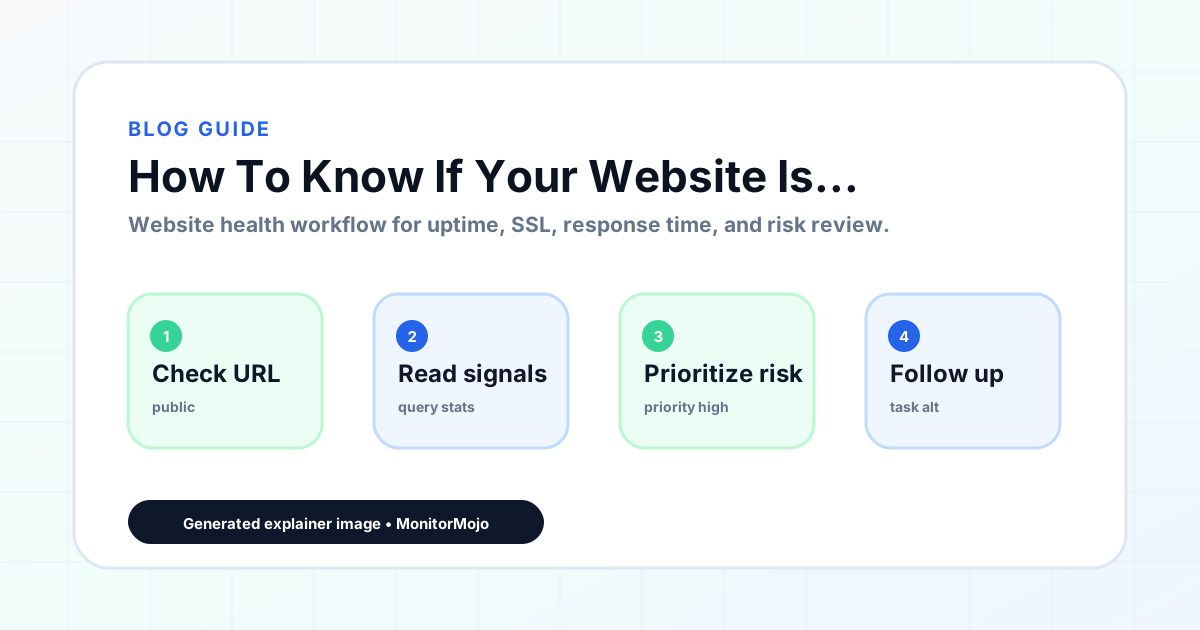
The worst way to learn your website is down is from a customer, a client, or a sales lead who could not complete the action you needed them to take. By the time someone complains, the outage has already cost trust. For agencies, it can also create an awkward conversation about why nobody noticed sooner.
Knowing whether your website is down sounds simple, but website failures are not always binary. A homepage can load while checkout fails. A site can work from your office but fail from another network. An app can respond slowly enough to feel broken while still technically returning a page. That is why a repeatable check workflow matters.
Start with the customer path
When you suspect downtime, test the most important customer path first. Open the homepage, login, signup, checkout, contact form, booking flow, or client landing page that drives revenue. Use a private browser window or another network if possible, because local cache, office DNS, or an authenticated session can hide real problems.
Look for more than a blank page. Slow responses, server errors, certificate warnings, broken redirects, and failed forms can all be website downtime from the customer's point of view.
Check from outside your own machine
Your laptop is not a monitoring system. If the site works for you, it may still be failing for users on another network. Use an external checker to test the public URL from outside your environment. If you manage client websites, this matters even more because one local success can create false confidence.
A useful website check records response status, response time, final URL, SSL details, and any errors returned by the request. Those signals help you decide whether the issue is reachability, SSL, redirects, or something else.
Do not ignore SSL and domain issues
Not every outage starts with hosting. Expired SSL certificates can make browsers block the site. Expired domains can take down the website and email at the same time. DNS changes can point traffic to the wrong service. These problems feel like downtime to customers even when the web server itself is healthy.
For agencies and small teams, website monitoring for agencies should include reachability, SSL certificates, domain risk, and response behavior in the same workflow. Otherwise, the real cause can hide in a different tool, registrar, or inbox.
Check before the complaint
The goal is not to randomly refresh your site more often. The goal is to make the important checks easy to run and easy to read. Check the pages that matter, include renewal signals like SSL and domain risk, and review what needs attention before the problem reaches a client.
MonitorMojo is built for this kind of practical website health awareness. It gives teams a clean place to check websites, SSL certificates, response time, domain-risk notes, and client properties so the first signal comes from a real check, not from a frustrated customer.