MonitorMojo Blog
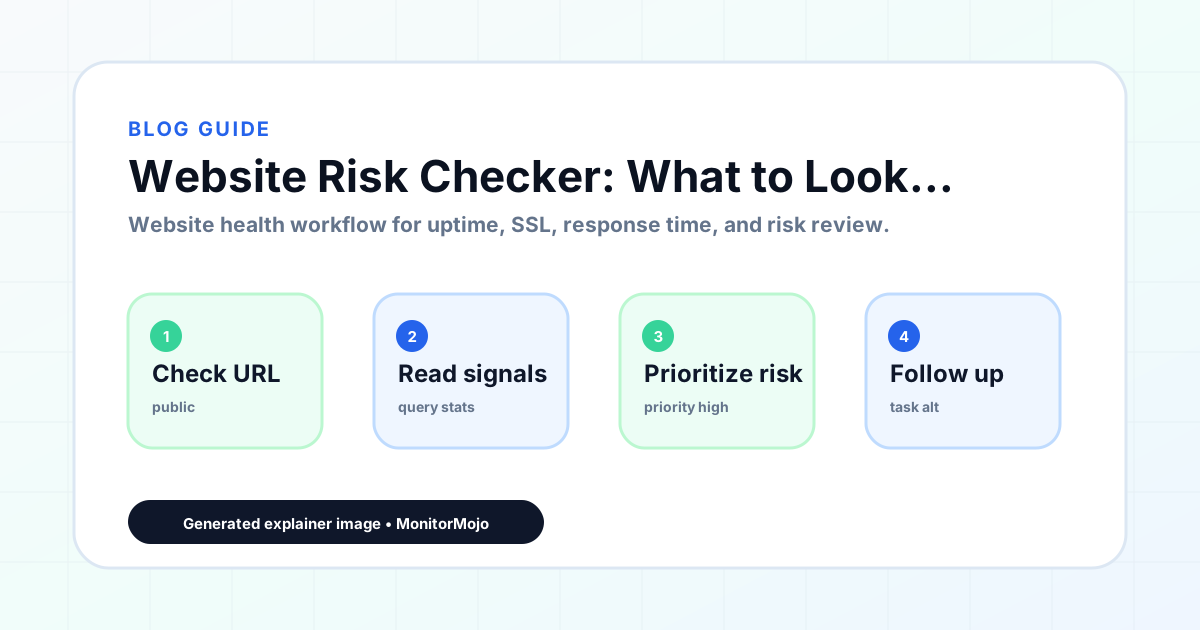
Website Risk Checker: What to Look For Before Problems Grow
A website risk checker is not the same as a security scanner. It is a tool that reviews publicly visible signals — SSL configuration, security headers, redirect behavior, response codes, and other observable characteristics — to flag the kinds of gaps that make a website more vulnerable to common problems. The goal is not to simulate an attack; it is to identify configuration issues that are visible in normal HTTP traffic and that any website owner can address without specialist expertise. This expanded guide explains the practical monitoring workflow behind the topic, who should use it, what to check, how to document findings, and how to turn website health signals into useful client, developer, API, CLI, or AI-agent workflows without overstating what monitoring can prove.
What website risk signals actually are
Risk signals are observable characteristics of a website's HTTP responses that indicate configuration gaps or security weaknesses. They are distinct from active threats — a risk signal does not mean your site has been compromised; it means there is a gap in your configuration that could make compromise more likely or make certain types of misuse easier.
The most common risk signals are: missing or misconfigured security headers, SSL certificates that are expired or close to expiry, insecure HTTP connections being served without redirect to HTTPS, open redirect vulnerabilities in visible URLs, and unusual status codes on pages that should be serving content.
These signals are visible to anyone who knows how to look for them — including malicious actors who scan websites for easy targets. Catching them through your own monitoring process means you are not waiting to find out about them through an incident.
Security headers: the most commonly missed risk signal
Security headers are HTTP response headers that instruct browsers to apply additional security behaviors when loading your site. They are set on the server side and are invisible to most visitors, but they have a meaningful impact on the site's protection against certain types of attack.
The headers most commonly flagged in risk checks include: Content-Security-Policy (restricts which resources can load on the page), X-Frame-Options (prevents clickjacking by restricting whether your page can be loaded in an iframe), X-Content-Type-Options (prevents MIME type sniffing), and Strict-Transport-Security (tells browsers to always use HTTPS for your domain).
Missing headers do not mean your site will be attacked — they mean the browser is not applying those protective behaviors. Adding them is typically a server configuration change that does not require modifying the website's code, and most hosting providers support them through .htaccess files, nginx configuration, or CDN-level settings.
SSL and HTTPS risk signals
SSL-related risk signals go beyond simple expiry. A site with a valid certificate that is not enforcing HTTPS redirects is accepting unencrypted connections from visitors. A certificate that does not match the exact domain being requested — for example, a wildcard certificate that covers *.example.com but not example.com — shows an error to visitors.
Weak cipher suites and deprecated TLS versions are another category. TLS 1.0 and 1.1 have known weaknesses and have been deprecated by all major browsers. A site that negotiates TLS 1.0 connections is considered at higher risk than one that requires TLS 1.2 or 1.3.
These signals are checkable without any special access to the server. An SSL risk check sends a standard HTTPS request and reviews what the server responds with — the certificate details, the TLS version negotiated, and the presence or absence of HSTS headers.
Risk signals that indicate content or infrastructure issues
Beyond SSL and headers, risk checkers review signals that suggest the website itself may have infrastructure problems. Unexpected HTTP error codes on key pages — a 500 error on the contact form, a 404 on a page that is linked from the sitemap — indicate broken functionality that creates both risk and user experience problems.
Redirect chain length is another signal. A URL that requires three or more redirects before reaching the final destination is slower for visitors, harder to debug when something breaks, and can create redirect loops that make pages permanently inaccessible. Clean, short redirect chains are a hygiene issue that risk checks surface.
Open redirects — URLs on your site that can be manipulated to redirect visitors to arbitrary external destinations — are a phishing and link spoofing risk. They are not always obvious in site content but are visible in URL structures that include destination parameters.
- Missing Content-Security-Policy header
- Missing X-Frame-Options header
- Missing Strict-Transport-Security (HSTS) header
- HTTP served without redirect to HTTPS
- SSL certificate expiry within 30 days
- Redirect chain too long or containing loops
- Error codes on key pages
What a risk checker does not do
It is important to be clear about the scope of a website risk checker. It reviews publicly visible HTTP signals — it does not access your database, scan your file system, test for SQL injection, review your code for vulnerabilities, or simulate attacks against your site. It is a configuration review tool, not a security testing tool.
For a comprehensive security assessment, a penetration test by a qualified professional reviews the site and its underlying application in ways that a monitoring tool cannot. MonitorMojo helps monitor uptime, SSL, response time, and basic website risk signals, but it does not replace a professional security audit or penetration test.
The practical value of a risk checker is in catching the visible, fixable configuration issues that are commonly missed during routine site management. These issues are often the easiest to address and the most commonly exploited precisely because they are so widespread.
Building risk checking into your monitoring routine
Website risk signals change when the site changes. A plugin update, a hosting migration, a CDN implementation, or a new subdomain can each affect security header configuration or SSL behavior in ways that are not obvious until checked. Building a risk check into your post-change workflow catches these regressions before they become established.
For agencies, running a risk check as part of a new client onboarding process gives you a baseline of the site's current health and surfaces any pre-existing issues that you should document before taking on responsibility for the site. This protects you from inheriting unacknowledged problems.
MonitorMojo's website health check includes basic risk signal review alongside uptime, SSL, and response time. You get a complete picture of the site's observable health in one check, without needing separate tools for each category of signal.
What this workflow means
Website Risk Checker: What to Look For Before Problems Grow is best understood as a repeatable website health workflow, not a promise that every outage or configuration issue will be avoided. Learn what a website risk checker looks for, which risk signals actually matter for small businesses, and how to review your site before issues escalate.
In practice, this workflow centers on uptime, SSL certificates, response time, security headers, website health summaries, and monthly review notes. Each check is planning input: it can show that the site is reachable, that a certificate has a given expiry window, that response time has shifted, or that a header is missing. It cannot prove root cause by itself or replace a human response. The value is in making the review consistent enough that site owners and small teams can spot issues before someone downstream has to ask about them.
Who should use this
This is most useful for site owners and small teams. The common thread is a small team doing a routine check before something breaks in front of a visitor, where a missed signal costs more than the few minutes it takes to check.
Beyond that primary audience, the same checks are reusable by anyone with a public-facing URL that matters to revenue, leads, or reputation: a recurring review is cheap insurance compared to hearing about the problem from a client or customer first.
Step-by-step monitoring workflow
Start by listing the URLs that actually matter instead of just the homepage — for a small team doing a routine check before something breaks in front of a visitor, that usually means the pages tied to revenue, signups, or trust, not every page on the site.
Next, define the check types for each URL: reachability, HTTP status, HTTPS/SSL certificate status and expiry window, response time, redirect behavior, and security header presence. For API, CLI, and AI-agent workflows, document which endpoint or command runs the check and where the result is stored.
Set a cadence that matches the risk — a low-traffic page may only need a monthly look, while a page tied to revenue or signups deserves a check after every deployment and before any campaign or launch.
Record what you find with a consistent format: URL, check type, status, issue, owner, detected date, and next review date. Then say what actually happened in plain language — a check can surface a symptom, but site owners and small teams still need to confirm the cause.
- Choose the URLs that matter most to visitors, clients, revenue, and operations.
- Run uptime, SSL, response time, and security header checks on a consistent schedule.
- Triage failed or risky checks by likely owner: hosting, DNS, SSL, code, platform, or third party.
- Record notes in a repeatable format so future reviews do not start from scratch.
- Send a plain-language summary with the issue, impact, owner, and next review date.
- Run a confirmation check after remediation so there is an external result to reference.
Checklist or template
Use this template for recurring reviews: [URL], [Check Type], [Status], [Issue], [Priority], [Owner], [Detected Date], [Resolved Date], [Next Review Date]. Add a one-line summary at the top: what changed, what needs attention, and who owns the next step.
For site owners and small teams, group findings into the four signals that matter most: reachability, SSL status, response time, and security headers. Where nothing needs action, say the check found no issue in that area rather than implying full coverage.
- [URL]: the exact page or endpoint checked.
- [Check Type]: uptime, SSL, response time, headers, API, CLI, or agent workflow.
- [Status]: pass, review, failed, blocked, or needs human investigation.
- [Issue]: the observable symptom, not an unsupported root-cause claim.
- [Owner]: agency, developer, host, DNS provider, client, or third-party vendor.
- [Next Review Date]: when the team should confirm status again.
Common mistakes
The most common mistake is monitoring only the homepage while a checkout, signup, or booking flow silently breaks. Another is assuming SSL auto-renewal always works — it can fail quietly, and an external check is the only way to catch that before a browser warning does.
For site owners and small teams specifically, the recurring miss is treating one clean check as proof the whole site is fine, or fixing an issue without ever writing down what happened — which means the next person repeats the same investigation from zero.
- Tracking too many low-value URLs while missing the ones that matter.
- Skipping notes after an issue is resolved.
- Reporting a status without an owner or next step attached.
- Assuming automation can resolve an incident without human review.
- Treating one clean check as proof that every risk is covered.
Practical example
Consider a small team doing a routine check before something breaks in front of a visitor. A scheduled check flags that the site is slower than its usual baseline and that a security header is missing. Instead of guessing, the team logs the observation with a timestamp, assigns an owner, and re-checks after the fix ships — turning a vague "something feels off" into a specific, closed-loop task.
How MonitorMojo helps
MonitorMojo runs website health checks that combine reachability, SSL certificate status, response time, and security header presence in one workspace, so this workflow doesn't require stitching together several separate tools.
The API and CLI make the same checks scriptable for site owners and small teams who want them wired into an existing process, while credit-based checks keep it practical to run reviews exactly when they matter — before a client call, after a deploy, or when someone asks whether the site is healthy. Results still depend on hosting, DNS, and how quickly the responsible team acts on what the check finds.
Frequently Asked Questions
What is the difference between a risk checker and a security scanner?
A risk checker reviews publicly visible HTTP signals — SSL configuration, security headers, redirect behavior, status codes — to flag configuration gaps. A security scanner actively tests for vulnerabilities by simulating attacks. MonitorMojo is a risk checker and monitoring tool; it does not perform penetration testing or active security scanning.
Are missing security headers a serious problem?
Missing security headers are configuration gaps that remove browser-level protections. They do not guarantee a breach, but they are easy for attackers to identify and exploit. They are also easy to add, which makes them a high-value, low-effort improvement for most websites.
Can a risk check tell me if my site has been hacked?
A risk check reviews configuration signals, not site content or server files. It cannot detect most forms of compromise — malware injections, unauthorized code, database access — because those require internal server access to detect. If you suspect a site has been compromised, consult a security professional.
How often should I run a website risk check?
Running a risk check after any significant site change — deployment, plugin update, hosting migration, CDN change — is the most useful habit. A monthly check across all managed sites is a reasonable baseline for agencies. For your own site, quarterly checks keep you informed.
Which security headers should every website have?
At minimum: Strict-Transport-Security (enforces HTTPS at the browser level), X-Frame-Options (prevents clickjacking), X-Content-Type-Options (prevents MIME sniffing), and a Content-Security-Policy appropriate to the site's content. MonitorMojo's security header checker flags which of these are missing and provides context on what each one does.
Can this prevent every issue with the site?
No. Monitoring helps site owners and small teams detect website health signals and organize follow-up, but it does not prevent every outage, SSL issue, slow response, or third-party failure. The result still depends on hosting, DNS, infrastructure, and how quickly the responsible team investigates and responds.