Without alerts, you are guessing
Without regular monitoring, you rely on clients or visitors to tell you when a site is down.
Loading...
How-To Guide
To get alerted when a website goes down, run reachability checks regularly and connect the results to a notification channel you control, such as Slack, email, or a webhook. MonitorMojo runs the checks on demand from the dashboard, or on a schedule through the CLI and API; today, wiring up the actual notification is on you, since in-app automated alerting is currently a preview feature built on sample data. The key is building a workflow that catches issues before your clients or customers do.
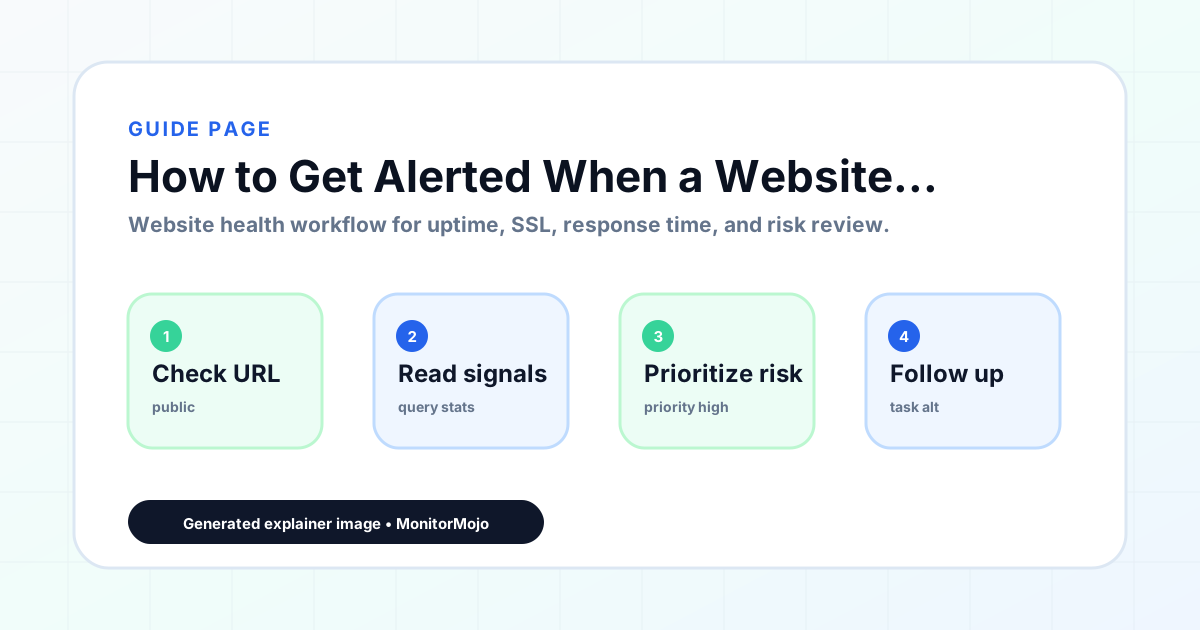
Without regular monitoring, you rely on clients or visitors to tell you when a site is down.
Knowing a site is down is useful. Knowing it also has an SSL problem or slow response time helps you triage faster.
Alert fatigue sets in when a monitoring workflow sends too many irrelevant notifications.
Run checks on demand from the dashboard, or schedule them with the CLI or API so they repeat automatically.
Certificate problems can make sites unreachable too. Include SSL checks in your alert setup.
Slow responses can be just as damaging as downtime. Monitor response time for a complete picture.
Review your saved check history to identify patterns and prevent recurring issues.
Schedule checks for all client sites and route results to your own alerts so your team responds before clients notice.
Check maintained sites on a schedule and get notified through your own tooling so you can act fast.
Set up a check schedule so you're not the last to know when your business website goes offline.
Workflow Guide
To get alerted when a website goes down, run reachability checks regularly and connect the results to a notification channel you control, such as Slack, email, or a webhook. MonitorMojo runs the checks on demand from the dashboard, or on a schedule through the CLI and API; today, wiring up the actual notification is on you, since in-app automated alerting is currently a preview feature built on sample data. The key is building a workflow that catches issues before your clients or customers do.
In practice, that means reviewing reachability, HTTP status, downtime triage, owner assignment, and confirmation checks without turning every check into a custom investigation — a repeatable review teams can run before client calls, after deployments, or the moment a stakeholder asks whether a site needs attention. It's planning input, not a promise every incident will be avoided: a check can show whether a URL is reachable, whether HTTPS appears valid, and whether common security headers are present, but it cannot replace a professional security audit or an incident-response team.
Without regular monitoring, you rely on clients or visitors to tell you when a site is down. Run checks on demand from the dashboard, or schedule them with the CLI or API so they repeat automatically.
Start by choosing critical URLs. Do not stop at the homepage. Add the pages visitors and clients actually depend on: [Website URL], pricing page, contact page, checkout, signup, client portal, landing page, API docs, or booking flow. For agencies, assign each URL to [Client Name] and give every site a clear review owner.
Define the check types next. A solid baseline includes uptime and reachability, HTTPS and SSL status, SSL expiry window, response time, redirect behavior, and security header presence. If the workflow involves API, CLI, or AI-agent checks, document where the check is triggered, what credentials are required, where results are stored, and who reviews the output.
Create a cadence that matches the risk. Monthly checks may be enough for low-risk brochure sites. Ecommerce stores, SaaS signup flows, and campaign landing pages often deserve checks before launches, after deployments, and during busy periods. When an issue appears, triage it carefully: hosting, DNS, SSL, code changes, plugin updates, cache settings, third-party scripts, or temporary network behavior may all be possible. Assign [Owner], [Priority], [Detected Date], [Notes], and [Next Review Date], then run a confirmation check after remediation.
Use this checklist for every review: [Website URL], [Client Name], [Check Type], [Status], [Issue], [Priority], [Owner], [Detected Date], [Resolved Date], [Notes], and [Next Review Date]. Keep the status simple: pass, review, failed, blocked, or needs investigation. A short, consistent template makes the output usable by account managers, developers, founders, and client reporting teams.
For monthly reporting, group the findings into uptime and reachability, SSL certificate status, response time, and security headers. Add one sentence for what changed, one sentence for why it matters, and one sentence for the next step. If nothing requires action, say that no immediate issue was found in the checked signals. Avoid implying the site has complete protection or that monitoring has resolved risks outside the checked scope.
Common mistakes include monitoring only the homepage, ignoring SSL expiry because renewal is expected to be automatic, treating slow response time as one fixed cause, skipping security header checks because the site looks normal, and failing to document incidents after they are resolved. Agencies also lose value when they find an issue but never turn it into a client-ready summary.
Another mistake is overclaiming. A dashboard can help detect website health signals and organize follow-up, but it cannot prove every root cause, resolve every incident, replace maintenance, or stand in for professional security review. The strongest workflow keeps observations specific: what was checked, what the result showed, who owns the next step, and when the team should review again.
A web agency can run checks for 40 WordPress care-plan clients at the start of each month, then send summaries for sites with expiring SSL certificates, slow response times, or missing headers. A developer can run a post-deployment check to confirm the production site is reachable and response time has not changed unexpectedly.
An ecommerce team can review product, cart, and checkout pages before a seasonal sale. A SaaS founder can monitor signup, pricing, documentation, and marketing pages before a launch. An AI agent can retrieve the latest health context before drafting a report, while a human reviews the result, decides whether escalation is needed, and documents the response.
A strong monthly rhythm turns website checks into a client, founder, or team communication habit. Start with a fixed review date, such as the first Monday of the month or the day before recurring client reports are sent. Run checks for each priority URL, compare the result with the last review, and flag anything that changed. The report does not need to be long, but it should be specific enough to support decisions.
A useful summary might say: [Client Name] had no reachability issue during this review, SSL is valid with [Notes] about the renewal window, response time is [Status], and security headers need [Owner] review. If an issue is found, include [Priority], [Detected Date], recommended next step, and [Next Review Date]. This makes monitoring visible without turning it into noise. It also helps avoid vague statements like everything is fine when the check only reviewed selected public website signals.
When a check finds a problem, treat the result as the beginning of triage. Confirm the issue from another network or tool if needed, then decide whether the likely owner is hosting, DNS, SSL, application code, a plugin, a platform setting, or a third-party dependency. Record what was observed before assuming cause. For example, homepage returned a 5xx status is stronger than hosting failed until the team has verified the source.
After the issue is addressed, run another external check and add the confirmation result to the incident note. For agencies, this creates a clear timeline for client communication. For developers and founders, it creates a useful operational record. For AI-agent workflows, it gives the agent better context while keeping final interpretation and escalation in human hands.
The last step is making sure the workflow survives handoff between people. A freelancer may run the first check, but a developer may need to fix the issue. An account manager may send the client update, while the website owner approves a hosting or platform change. Write the handoff clearly: what was checked, what was observed, who owns the next action, what evidence is attached, and when the result should be reviewed again.
This is especially useful for agencies and small SaaS teams where the same person is not always available. A clear handoff prevents repeated investigation and helps the team avoid vague follow-up like "look into the website." Instead, the note can say: run [Check Type] again on [Website URL], confirm [Status], update [Client Name], and close the incident only after [Resolved Date] is recorded. That small amount of structure makes monitoring more useful without turning it into a heavy enterprise process.
Before closing the review, ask five questions. Did we check the right URL, not just the easiest one? Did we record the status in language a client or stakeholder can understand? Did we assign an owner for every issue? Did we avoid claiming more than the check can prove? Did we set a next review date? These questions keep the workflow practical and help teams turn website health checks into a repeatable operating habit. They also make the result easier to compare across months, clients, teams, and incidents because every review follows the same decision path.
MonitorMojo helps teams run website health checks for uptime and reachability, SSL certificate status, response time, security headers, and website risk summaries. The dashboard gives agencies, freelancers, founders, developers, and site owners a simple place to organize checks without building a complex monitoring stack.
The API and CLI-friendly workflows help developers and AI-agent builders retrieve website health context programmatically. Credit-based checks make it practical to run reviews when they matter: before client calls, after deployments, during monthly reports, or when a stakeholder asks for a site health update. MonitorMojo helps spot risks earlier and organize response workflows, while outcomes still depend on hosting, DNS, infrastructure, configuration, traffic, and the team's response process.
MonitorMojo checks uptime, SSL, response time, and security headers on demand or on a schedule via the CLI/API. Connect the results to your own Slack, email, or webhook alerts so your team knows first.
Run Website Check