MonitorMojo Blog
Client Website Risk Email Template
Not every finding is an emergency. A missing security header, a response time that's crept up over the last month, or a certificate renewing soon are all worth telling a client about without the urgency of a downtime or expiration email. This template is for that category — a calm, periodic summary of risk signals, distinct from an active-incident notification. Used well, it's also one of the clearest ways to show a client that ongoing monitoring is producing real value between the incidents they actually notice, rather than the relationship only surfacing when something has already gone wrong. This expanded guide explains the practical monitoring workflow behind the topic, who should use it, what to check, how to document findings, and how to turn website health signals into useful client, developer, API, CLI, or AI-agent workflows without overstating what monitoring can prove.
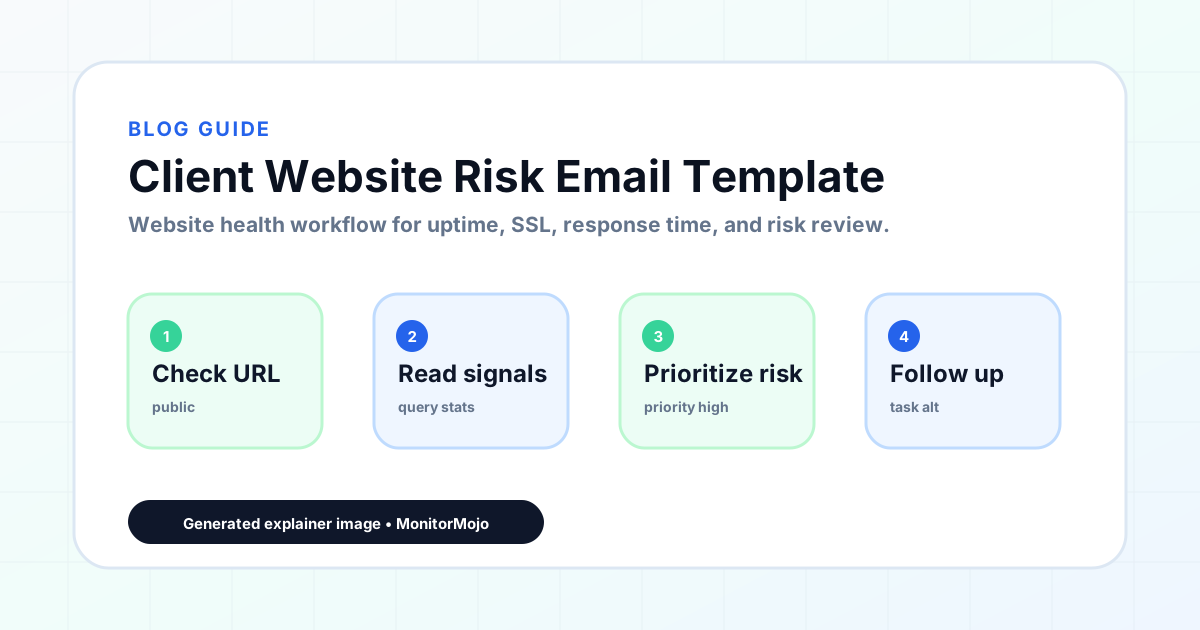
Risk Summary Email Template
Use this after a periodic check-in or review, when you have one or more findings to share that don't require immediate action but are worth the client's awareness.
- Subject: [Site URL] — website health summary for [Review Period]
- Hi [Client Name],
- As part of our regular check on [Site URL], here's a quick summary of what we found on [Date Checked]:
- [Finding 1 — e.g., "Response time has increased from an average of 1.1s to 2.3s over the past month."] [One sentence on why this matters, if not obvious]
- [Finding 2 — e.g., "The site is missing a Content-Security-Policy header, which is a security best practice but not currently causing any visible issue."]
- [Finding 3, if applicable]
- None of these require immediate action, but we wanted to flag them so you have visibility. [Optional: We'd recommend addressing Finding X by Next Review Date.]
- Our next scheduled review is [Next Review Date]. Let us know if you'd like us to look into any of this sooner.
- [Your Name] / [Agency Name]
Deciding What Counts as a Finding
Not every data point from a check belongs in this email. A finding is worth including if it represents a change from the previous period, a value outside the site's normal range, or a best-practice gap that hasn't been addressed yet. A metric that's been stable and fine for months doesn't need to be re-reported each time just to fill out the email.
Adjusting Tone by Risk Level
A single missing security header on an otherwise healthy site reads as routine housekeeping — keep the email brief and low-key. A response-time trend that's degraded significantly, or several findings stacking up together, deserves a bit more framing: explain briefly why it matters (e.g., slower load times can affect conversion or search ranking) rather than just listing the number.
If a finding is closer to urgent than routine — say, a header issue combined with a certificate expiring soon — consider whether it actually belongs in this summary email or should be split out as its own notification using the downtime or SSL expiration template instead. This template is for the "worth knowing, not urgent" category specifically.
Explaining Why a Finding Matters
Non-technical clients generally won't know why a missing security header or a slow response time matters unless you tell them briefly. A short plain-language reason attached to each finding — "this header helps prevent a certain type of attack" or "slower load times can affect how visitors and search engines view the site" — turns a list of jargon into something a client can actually weigh and decide whether to act on.
Avoid overstating the risk to make a finding sound more urgent than it is. A missing header is a best-practice gap, not evidence of an active attack, and describing it that way erodes trust once the client learns the actual severity from someone else.
It also helps to note what, if anything, you're already planning to do about a finding versus what requires the client's input or budget. "We'll add this header as part of routine maintenance" needs no response; "this would require a hosting change we'd want to discuss first" clearly signals a decision the client needs to weigh in on.
When to Send This vs. an Incident Email
The risk summary email fits naturally into a periodic review cadence — after a weekly, monthly, or quarterly check — rather than being triggered by a single event. If something crosses from a risk into an active problem (the site actually goes down, the certificate actually expires), switch to the downtime or SSL expiration templates, which are built for immediacy rather than a calm summary.
A useful habit is tying this email specifically to the monthly review cycle rather than sending it on an ad hoc basis. That gives clients a predictable rhythm for hearing from you about non-urgent findings, which makes any out-of-cycle email (using the downtime or SSL template) stand out as clearly more important by contrast.
Common Mistakes
Bundling an urgent finding into a routine-sounding summary email risks it getting missed — if something needs action soon, give it its own subject line and message rather than burying it in a list.
Sending a summary with vague findings ("a few small things came up") without specifics leaves the client unable to judge whether they should care. Include the actual numbers or observations.
Never sending a risk summary at all, and only ever emailing during an active incident, misses a chance to demonstrate ongoing value and catch smaller issues before they become bigger ones.
Overloading the email with every minor technical detail from the check turns a useful summary into noise — pick the two or three findings that actually matter this period.
Sending an identical summary every period regardless of whether anything actually changed makes clients stop reading it closely. If nothing meaningful changed since the last summary, say so plainly rather than padding the email to look substantial.
How MonitorMojo Helps
A MonitorMojo check covers reachability, response time, SSL signal, and security headers in one pass, which is exactly the range of findings this template is built to summarize — you're not stitching together results from separate tools.
Check history lets you back up a trend claim like "response time has increased over the past month" with actual prior results instead of a general impression, which makes the summary more credible to a client.
MonitorMojo's client-ready summary output gives you a clean version of the findings you can attach or reference directly in this email, saving you from manually reformatting raw check data for a non-technical audience.
What this workflow means
Client Website Risk Email Template is best understood as a repeatable website health workflow, not a promise that every outage or configuration issue will be avoided. A ready-to-use email template for summarizing non-urgent website risks to a client — things worth flagging that aren't an active outage — with bracketed placeholders you can adapt.
In practice, this workflow centers on API, CLI, and AI-agent workflows that retrieve website health context with human review. Each check is planning input: it can show that the site is reachable, that a certificate has a given expiry window, that response time has shifted, or that a header is missing. It cannot prove root cause by itself or replace a human response. The value is in making the review consistent enough that site owners and small teams can spot issues before someone downstream has to ask about them.
Who should use this
This is most useful for site owners and small teams. Agencies running periodic health reviews for client sites
Beyond that primary audience, the same checks are reusable by anyone with a public-facing URL that matters to revenue, leads, or reputation: a recurring review is cheap insurance compared to hearing about the problem from a client or customer first.
Step-by-step monitoring workflow
Start by listing the URLs that actually matter instead of just the homepage — for a small team doing a routine check before something breaks in front of a visitor, that usually means the pages tied to revenue, signups, or trust, not every page on the site.
Next, define the check types for each URL: reachability, HTTP status, HTTPS/SSL certificate status and expiry window, response time, redirect behavior, and security header presence. For API, CLI, and AI-agent workflows, document which endpoint or command runs the check and where the result is stored.
Set a cadence that matches the risk — a low-traffic page may only need a monthly look, while a page tied to revenue or signups deserves a check after every deployment and before any campaign or launch.
Record what you find with a consistent format: URL, check type, status, issue, owner, detected date, and next review date. Then say what actually happened in plain language — a check can surface a symptom, but site owners and small teams still need to confirm the cause.
- Choose the URLs that matter most to visitors, clients, revenue, and operations.
- Run uptime, SSL, response time, and security header checks on a consistent schedule.
- Triage failed or risky checks by likely owner: hosting, DNS, SSL, code, platform, or third party.
- Record notes in a repeatable format so future reviews do not start from scratch.
- Send a plain-language summary with the issue, impact, owner, and next review date.
- Run a confirmation check after remediation so there is an external result to reference.
Checklist or template
Use this template for recurring reviews: [URL], [Check Type], [Status], [Issue], [Priority], [Owner], [Detected Date], [Resolved Date], [Next Review Date]. Add a one-line summary at the top: what changed, what needs attention, and who owns the next step.
For site owners and small teams, group findings into the four signals that matter most: reachability, SSL status, response time, and security headers. Where nothing needs action, say the check found no issue in that area rather than implying full coverage.
- [URL]: the exact page or endpoint checked.
- [Check Type]: uptime, SSL, response time, headers, API, CLI, or agent workflow.
- [Status]: pass, review, failed, blocked, or needs human investigation.
- [Issue]: the observable symptom, not an unsupported root-cause claim.
- [Owner]: agency, developer, host, DNS provider, client, or third-party vendor.
- [Next Review Date]: when the team should confirm status again.
Common mistakes
The most common mistake is monitoring only the homepage while a checkout, signup, or booking flow silently breaks. Another is assuming SSL auto-renewal always works — it can fail quietly, and an external check is the only way to catch that before a browser warning does.
For site owners and small teams specifically, the recurring miss is treating one clean check as proof the whole site is fine, or fixing an issue without ever writing down what happened — which means the next person repeats the same investigation from zero.
- Tracking too many low-value URLs while missing the ones that matter.
- Skipping notes after an issue is resolved.
- Reporting a status without an owner or next step attached.
- Assuming automation can resolve an incident without human review.
- Treating one clean check as proof that every risk is covered.
Practical example
Consider a small team doing a routine check before something breaks in front of a visitor. A scheduled check flags that the site is slower than its usual baseline and that a security header is missing. Instead of guessing, the team logs the observation with a timestamp, assigns an owner, and re-checks after the fix ships — turning a vague "something feels off" into a specific, closed-loop task.
How MonitorMojo helps
MonitorMojo runs website health checks that combine reachability, SSL certificate status, response time, and security header presence in one workspace, so this workflow doesn't require stitching together several separate tools.
The API and CLI make the same checks scriptable for site owners and small teams who want them wired into an existing process, while credit-based checks keep it practical to run reviews exactly when they matter — before a client call, after a deploy, or when someone asks whether the site is healthy. Results still depend on hosting, DNS, and how quickly the responsible team acts on what the check finds.
Who this is for
- Agencies running periodic health reviews for client sites
- Freelancers who want to show ongoing value between active incidents
- Anyone who has struggled to communicate a non-urgent finding without sounding alarmist
- Teams building a regular reporting cadence into their client relationships
Frequently Asked Questions
How is this different from the downtime or SSL expiration email templates?
Those templates are for active or imminent problems that need a response. This one is for a periodic summary of lower-priority findings — things worth flagging, not things requiring immediate action.
How often should I send a risk summary email?
Most agencies tie it to their existing review cadence — monthly or quarterly works well for most client sites. Weekly is usually too frequent unless a site is actively unstable.
What if a risk summary reveals something urgent?
Pull it out of the summary and send it separately using the downtime or SSL expiration template, whichever fits. Don't let an urgent finding wait for the next scheduled summary email.
Does MonitorMojo generate this risk summary automatically?
MonitorMojo generates client-ready summaries from your check results that you can use as the basis for this email, but it doesn't compose or send the email itself — you decide what to highlight and add the framing.
Does flagging these risks guarantee they won't turn into real problems?
No. A risk summary raises visibility so issues can be addressed proactively, but it doesn't fix anything on its own and doesn't guarantee a flagged risk won't eventually cause downtime or another issue if left unaddressed.
Can this prevent every issue with the site?
No. Monitoring helps site owners and small teams detect website health signals and organize follow-up, but it does not prevent every outage, SSL issue, slow response, or third-party failure. The result still depends on hosting, DNS, infrastructure, and how quickly the responsible team investigates and responds.