MonitorMojo Blog
SaaS Uptime Monitoring Workflow
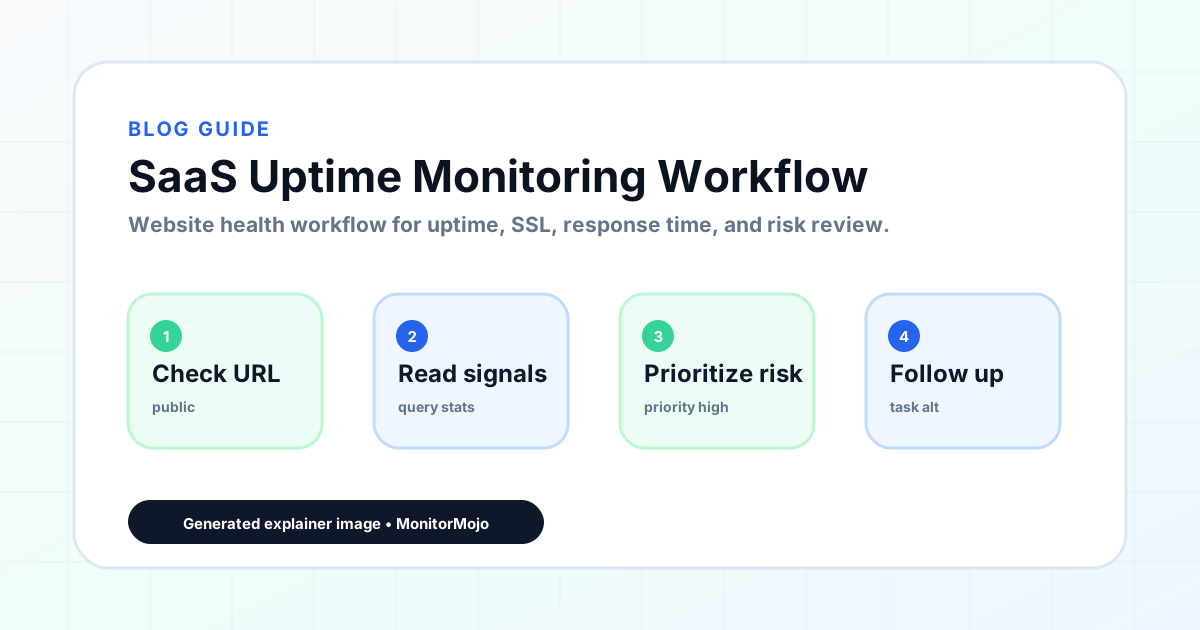
SaaS products have more surfaces to monitor than a typical website. The marketing site, the application, API endpoints, and authentication flows can all fail independently. This guide walks through building a SaaS-specific uptime monitoring workflow that covers every user-facing surface. This expanded guide explains the practical monitoring workflow behind the topic, who should use it, what to check, how to document findings, and how to turn website health signals into useful client, developer, API, CLI, or AI-agent workflows without overstating what monitoring can prove.
What SaaS teams need to monitor
A SaaS product has multiple user-facing surfaces: the marketing site affects first impressions and signup conversion, the application needs to be available and responsive for daily users, API endpoints serve integrations and mobile apps, and authentication flows gate access to the entire product.
The core signals are uptime and reachability, SSL certificate validity, server response time, API endpoint health, and authentication flow availability. Each surface can fail independently, and each failure has a different impact on the business.
Founders often focus monitoring exclusively on the application and miss the marketing site, documentation portal, or status page itself. These peripheral surfaces still need to be part of the monitoring workflow because they affect the business.
Step 1: Inventory every user-facing surface
List every URL that users interact with: the marketing site, application login page, main application dashboard, key feature pages, API endpoints used by integrations, the documentation site, and the status page.
Each should be treated as a separate monitoring target because they can fail independently and have different impacts on the business.
For each target, define what healthy looks like: a 200 status code, valid SSL certificate, response time under your threshold, and for API endpoints, a valid response with the expected structure.
Step 2: Set check cadence by sensitivity
The application and API endpoints may need checks every few minutes during business hours if your user base is active around the clock. The marketing site and documentation may be adequately covered by checks every few hours.
After each deployment, run a full check across all surfaces to confirm nothing has broken before users encounter the issue. This post-deployment verification catches configuration issues that slip through testing.
Set up alerts that route to the right person: application downtime should alert the engineering team immediately, SSL expiry warnings should alert whoever manages certificates, and response time degradation should be reviewed in the regular operations check.
Step 3: Track response time trends
For a SaaS product that users interact with dozens of times per day, response time directly affects user satisfaction. Every additional hundred milliseconds of response time erodes the perception that the product is fast and reliable.
Response time also serves as an early warning signal for infrastructure issues. A gradual increase in average response time often precedes a more serious outage. Database connection pool exhaustion, memory pressure, and caching layer failures typically show up as response time degradation before they show up as complete failures.
Establish a baseline response time for each critical endpoint and monitor for deviations. If your application dashboard normally responds in 400ms and starts averaging 1.2 seconds, investigate even though the page still loads.
Step 4: Monitor SSL across domains and custom domains
The application needs a valid certificate so browsers do not show security warnings. API endpoints need valid certificates so HTTP clients accept the connection. Custom domain setups require certificate provisioning and renewal for each custom domain.
Certificate expiry is the most common SSL issue for SaaS products, particularly those supporting custom domains. Monitoring SSL certificate expiry across all domains and custom domains gives you a centralized view of upcoming renewals.
Include SSL status in every health check. Track expiry dates and set renewal reminders. Verify SSL after every infrastructure migration or hosting provider change.
Step 5: Communicate with users during incidents
When users experience an issue, the first thing many do is check the status page. If the status page is down, returns stale information, or has not been updated, users assume the team is not paying attention.
The status page itself needs to be monitored for availability. If hosted on the same infrastructure as the application, it may go down at the same time. Host the status page on separate infrastructure.
During an incident, update the status page within the first few minutes. Users who see a timely status page update are more likely to wait patiently than users who discover the outage on their own.
Common SaaS monitoring mistakes
Monitoring only from inside your own infrastructure is a frequent mistake. Health checks from the same server can report everything healthy while external users experience failures.
Monitoring only the happy path is another mistake. Checking that the homepage returns a 200 status code does not verify that the login flow works or that the API returns valid responses.
Ignoring response time trends until they become dramatic is a third mistake. A product whose average response time creeps from 300ms to 900ms over weeks may not trigger alerts if the threshold is two seconds, but users notice the degradation.
How MonitorMojo helps SaaS teams
MonitorMojo helps SaaS founders monitor health signals across marketing pages, application endpoints, and API surfaces. Each check returns reachability, SSL certificate validity and expiry, response time, redirect behavior, security header presence, and domain risk notes.
The credit-based pricing model fits the SaaS monitoring workflow. Founders can run checks on key surfaces on a regular cadence and immediately after each deployment.
Multi-site support means founders can monitor their marketing site, application, API endpoints, documentation, and status page from one dashboard. The results depend on hosting, DNS, infrastructure, configuration, traffic, and response process.
What this workflow means
SaaS Uptime Monitoring Workflow is best understood as a repeatable website health workflow, not a promise that every outage or configuration issue will be avoided. Learn how SaaS teams build an uptime monitoring workflow covering application endpoints, API health, SSL tracking, and status page communication.
In practice, this workflow centers on reachability, HTTP status, downtime triage, stakeholder updates, and confirmation checks. Each check is planning input: it can show that the signup page is reachable, that a certificate has a given expiry window, that response time has shifted, or that a header is missing. It cannot prove root cause by itself or replace a human response. The value is in making the review consistent enough that SaaS founders and startup teams can spot issues before someone downstream has to ask about them.
Who should use this
This is most useful for SaaS founders and startup teams. SaaS founders monitoring product uptime and performance
Beyond that primary audience, the same checks are reusable by anyone with a public-facing URL that matters to revenue, leads, or reputation: a recurring review is cheap insurance compared to hearing about the problem from a client or customer first.
Step-by-step monitoring workflow
Start by listing the URLs that actually matter instead of just the homepage — for a SaaS founder confirming signup and pricing pages after a deploy, that usually means the pages tied to revenue, signups, or trust, not every page on the site.
Next, define the check types for each URL: reachability, HTTP status, HTTPS/SSL certificate status and expiry window, response time, redirect behavior, and security header presence. For API, CLI, and AI-agent workflows, document which endpoint or command runs the check and where the result is stored.
Set a cadence that matches the risk — a low-traffic page may only need a monthly look, while a page tied to revenue or signups deserves a check after every deployment and before any campaign or launch.
Record what you find with a consistent format: URL, check type, status, issue, owner, detected date, and next review date. Then say what actually happened in plain language — a check can surface a symptom, but SaaS founders and startup teams still need to confirm the cause.
- Choose the URLs that matter most to visitors, clients, revenue, and operations.
- Run uptime, SSL, response time, and security header checks on a consistent schedule.
- Triage failed or risky checks by likely owner: hosting, DNS, SSL, code, platform, or third party.
- Record notes in a repeatable format so future reviews do not start from scratch.
- Send a plain-language summary with the issue, impact, owner, and next review date.
- Run a confirmation check after remediation so there is an external result to reference.
Checklist or template
Use this template for recurring reviews: [URL], [Check Type], [Status], [Issue], [Priority], [Owner], [Detected Date], [Resolved Date], [Next Review Date]. Add a one-line summary at the top: what changed, what needs attention, and who owns the next step.
For SaaS founders and startup teams, group findings into the four signals that matter most: reachability, SSL status, response time, and security headers. Where nothing needs action, say the check found no issue in that area rather than implying full coverage.
- [URL]: the exact page or endpoint checked.
- [Check Type]: uptime, SSL, response time, headers, API, CLI, or agent workflow.
- [Status]: pass, review, failed, blocked, or needs human investigation.
- [Issue]: the observable symptom, not an unsupported root-cause claim.
- [Owner]: agency, developer, host, DNS provider, client, or third-party vendor.
- [Next Review Date]: when the team should confirm status again.
Common mistakes
The most common mistake is monitoring only the homepage while a checkout, signup, or booking flow silently breaks. Another is assuming SSL auto-renewal always works — it can fail quietly, and an external check is the only way to catch that before a browser warning does.
For SaaS founders and startup teams specifically, the recurring miss is treating one clean check as proof the whole site is fine, or fixing an issue without ever writing down what happened — which means the next person repeats the same investigation from zero.
- Tracking too many low-value URLs while missing the ones that matter.
- Skipping notes after an issue is resolved.
- Reporting a status without an owner or next step attached.
- Assuming automation can resolve an incident without human review.
- Treating one clean check as proof that every risk is covered.
Practical example
Consider a SaaS founder confirming signup and pricing pages after a deploy. A scheduled check flags that the signup page is slower than its usual baseline and that a security header is missing. Instead of guessing, the team logs the observation with a timestamp, assigns an owner, and re-checks after the fix ships — turning a vague "something feels off" into a specific, closed-loop task.
How MonitorMojo helps
MonitorMojo runs website health checks that combine reachability, SSL certificate status, response time, and security header presence in one workspace, so this workflow doesn't require stitching together several separate tools.
The API and CLI make the same checks scriptable for SaaS founders and startup teams who want them wired into an existing process, while credit-based checks keep it practical to run reviews exactly when they matter — before a client call, after a deploy, or when someone asks whether the signup page is healthy. Results still depend on hosting, DNS, and how quickly the responsible team acts on what the check finds.
Who this is for
- SaaS founders monitoring product uptime and performance
- Small engineering teams monitoring application and API health
- Technical founders managing SSL across primary and custom domains
- Product teams detecting response time degradation before it affects retention
Frequently Asked Questions
What is the most important thing for a SaaS founder to monitor?
The application login flow and primary dashboard are highest priority. API endpoints are next if integrations depend on them. SSL and response time should be tracked across all surfaces.
How often should I run health checks?
Critical surfaces like the application and API benefit from checks every few minutes. Marketing pages can be checked less frequently. Run a full check after each deployment.
Can MonitorMojo monitor API endpoints?
MonitorMojo monitors any HTTP-accessible endpoint. The health check returns status code, response time, SSL status, and header information.
How do I handle SSL for custom domains?
Each custom domain needs its own SSL certificate. MonitorMojo helps track SSL validity across multiple domains from one dashboard.
Does MonitorMojo replace APM tools?
No. MonitorMojo helps with external health monitoring. APM tools provide internal metrics. These are complementary approaches.
Can this prevent every issue with the signup page?
No. Monitoring helps SaaS founders and startup teams detect website health signals and organize follow-up, but it does not prevent every outage, SSL issue, slow response, or third-party failure. The result still depends on hosting, DNS, infrastructure, and how quickly the responsible team investigates and responds.