MonitorMojo Blog
Client Downtime Email Template for Agencies
Downtime emails need to go out fast, which is exactly when it's hardest to write something clear and calm from scratch. Having a template ready — one for the initial notification and one for the resolution — means you're filling in blanks under pressure instead of composing sentences. Below are both, with placeholders you can adapt to the specific incident, along with an interim-update version for incidents that run longer than expected. This expanded guide explains the practical monitoring workflow behind the topic, who should use it, what to check, how to document findings, and how to turn website health signals into useful client, developer, API, CLI, or AI-agent workflows without overstating what monitoring can prove.
Initial Downtime Notification Template
Send this as soon as you've confirmed the issue is real — you don't need a root cause yet, just a clear statement of what's happening and that you're on it.
- Subject: [Site URL] is currently down — we're on it
- Hi [Client Name],
- We're writing to let you know that [Site URL] appears to be down as of [Time Detected]. We confirmed this with a direct check at [Date Detected] and are actively looking into the cause.
- At this stage we don't yet have a root cause to share, but here's what we know: [brief description — e.g., "the site is returning a server error on all pages" or "the site is not responding to requests"].
- We'll send another update by [Next Update Time] whether or not we have a resolution by then. If you're hearing from your own visitors or customers about this, please let us know at [Contact Info].
- [Your Name] / [Agency Name]
Resolution Follow-Up Template
Send this once the site is confirmed back up. Never skip this message — a client's last impression of the incident should be that it's resolved, not silence.
- Subject: [Site URL] is back up — what happened
- Hi [Client Name],
- [Site URL] is back up and responding normally as of [Resolution Time]. We confirmed this with a follow-up check.
- In plain terms, what happened: [brief plain-language cause — e.g., "a server configuration change caused pages to fail to load"]. Total downtime was approximately [Duration].
- [Optional: what we're changing going forward — e.g., "we've adjusted our deployment process to catch this earlier next time."]
- Let us know if you notice anything unusual on the site over the next day or so, and we'll take a look.
- [Your Name] / [Agency Name]
Adapting the Template to the Situation
Every incident has its own texture, and a good template is a starting structure, not a script to follow word for word. Read back the filled-in version before sending — if a placeholder produces an awkward or overly formal sentence for this particular client relationship, adjust the phrasing rather than sending something that reads as obviously templated.
For a Critical, full-site outage, keep the initial email short and send it fast — clients forgive not having answers yet far more than they forgive silence. For a partial issue (one page or feature broken), be specific about what is and isn't affected so the client doesn't assume the whole site is down.
For a recurring issue on the same site — the third time this quarter, say — it's worth briefly acknowledging the pattern rather than treating each instance as an isolated first-time event. A line like "we know this is the second time recently and we're looking at a longer-term fix" is more honest than pretending each incident is unrelated.
If you genuinely don't know the cause by the time you need to send the resolution email, it's fine to say so honestly ("we've restored service; we're continuing to investigate the underlying cause and will follow up if we find something the client should know") rather than inventing a plausible-sounding explanation.
A Note on Multiple Updates
For an incident that runs longer than an hour or two, a single initial email and a single resolution email may not be enough — clients left without any update for a long stretch tend to assume the worst. A short interim update template covers this gap: "Quick update on [Site URL] — still working on this, [one line on current status]. Next update by [Time] or sooner if resolved." It doesn't need new information to be worth sending; the point is to confirm the issue is still being actively worked.
Decide upfront roughly how often interim updates go out for a long-running incident — every 30 to 60 minutes is reasonable for most Critical issues — so you're not deciding in the moment whether "enough time" has passed to justify another email.
If the interim update genuinely has nothing new to report, it's still worth sending — "still investigating, no change yet" is a legitimate update. Clients read silence as either being ignored or as something worse happening than what they were told, and either interpretation is worse than a repetitive but honest status note.
Common Mistakes With Downtime Emails
Waiting until you have a full explanation before sending the first email is the most common mistake — the initial message's job is to say "we know, we're on it," not to explain everything.
Promising a specific fix time you don't actually control ("fixed within 30 minutes") creates a second problem if that deadline slips. Use ranges or "next update by" language instead.
Sending the initial email but forgetting the resolution follow-up leaves clients unsure whether the issue actually got fixed or just went quiet.
Copy-pasting the exact same wording for every incident regardless of severity reads as robotic — adjust the tone and detail level for a five-minute blip versus a two-hour outage.
Leaving out contact information or a clear next step in the initial email is a small but common gap — a client reading about downtime wants to know they can reach someone if they need to, even if they don't end up using it.
How MonitorMojo Helps
Run a MonitorMojo check before sending the initial email so [Time Detected] and the description of the issue reflect a real, current check rather than a guess based on the client's report alone.
Use a second check to confirm resolution before sending the follow-up — that's what turns "we think it's fixed" into "we confirmed it's fixed," which is a meaningfully stronger thing to tell a client.
MonitorMojo's client-ready summaries can be referenced or attached to either email if a client wants to see the actual check data behind your update, and check history lets you state the [Duration] in the resolution email accurately.
What this workflow means
Client Downtime Email Template for Agencies is best understood as a repeatable website health workflow, not a promise that every outage or configuration issue will be avoided. A ready-to-use email template for telling a client their site is down, plus a shorter follow-up template for once it's resolved, with bracketed placeholders you can fill in fast.
In practice, this workflow centers on API, CLI, and AI-agent workflows that retrieve website health context with human review. Each check is planning input: it can show that a client's site is reachable, that a certificate has a given expiry window, that response time has shifted, or that a header is missing. It cannot prove root cause by itself or replace a human response. The value is in making the review consistent enough that web agencies and client-services teams can spot issues before someone downstream has to ask about them.
Who should use this
This is most useful for web agencies and client-services teams. Agencies who need a ready-to-send template before the next incident, not during it
Beyond that primary audience, the same checks are reusable by anyone with a public-facing URL that matters to revenue, leads, or reputation: a recurring review is cheap insurance compared to hearing about the problem from a client or customer first.
Step-by-step monitoring workflow
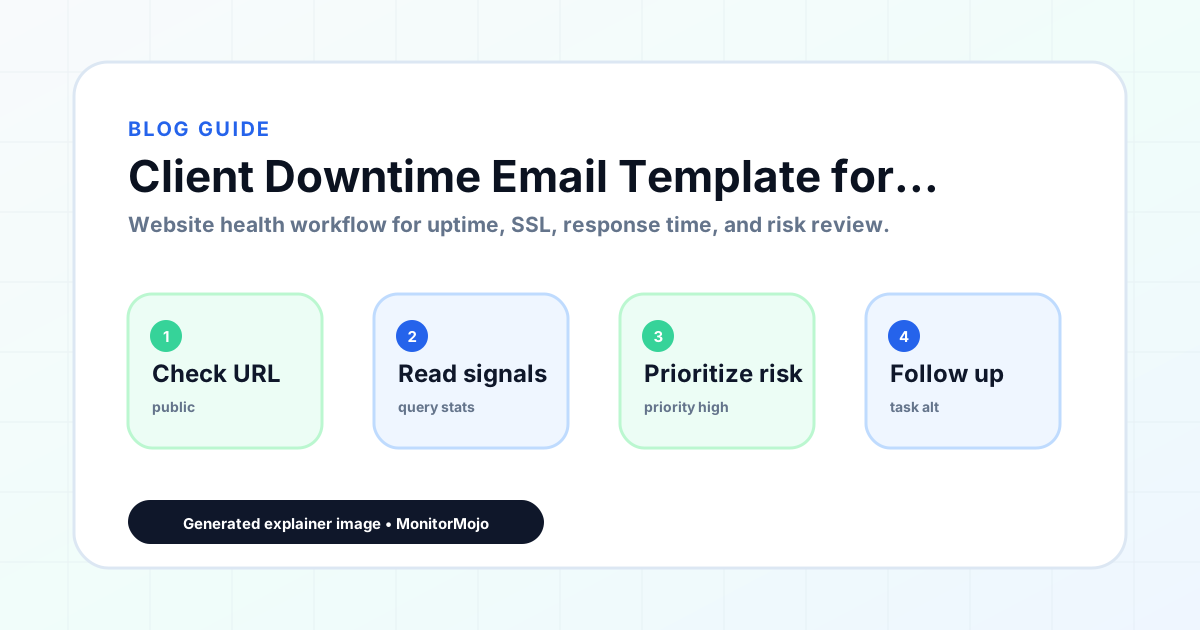
Start by listing the URLs that actually matter instead of just the homepage — for an agency reviewing a portfolio of client sites before a monthly report, that usually means the pages tied to revenue, signups, or trust, not every page on the site.
Next, define the check types for each URL: reachability, HTTP status, HTTPS/SSL certificate status and expiry window, response time, redirect behavior, and security header presence. For API, CLI, and AI-agent workflows, document which endpoint or command runs the check and where the result is stored.
Set a cadence that matches the risk — a low-traffic page may only need a monthly look, while a page tied to revenue or signups deserves a check after every deployment and before any campaign or launch.
Record what you find with a consistent format: URL, check type, status, issue, owner, detected date, and next review date. Then say what actually happened in plain language — a check can surface a symptom, but web agencies and client-services teams still need to confirm the cause.
- Choose the URLs that matter most to visitors, clients, revenue, and operations.
- Run uptime, SSL, response time, and security header checks on a consistent schedule.
- Triage failed or risky checks by likely owner: hosting, DNS, SSL, code, platform, or third party.
- Record notes in a repeatable format so future reviews do not start from scratch.
- Send a plain-language summary with the issue, impact, owner, and next review date.
- Run a confirmation check after remediation so there is an external result to reference.
Checklist or template
Use this template for recurring reviews: [URL], [Check Type], [Status], [Issue], [Priority], [Owner], [Detected Date], [Resolved Date], [Next Review Date]. Add a one-line summary at the top: what changed, what needs attention, and who owns the next step.
For web agencies and client-services teams, group findings into the four signals that matter most: reachability, SSL status, response time, and security headers. Where nothing needs action, say the check found no issue in that area rather than implying full coverage.
- [URL]: the exact page or endpoint checked.
- [Check Type]: uptime, SSL, response time, headers, API, CLI, or agent workflow.
- [Status]: pass, review, failed, blocked, or needs human investigation.
- [Issue]: the observable symptom, not an unsupported root-cause claim.
- [Owner]: agency, developer, host, DNS provider, client, or third-party vendor.
- [Next Review Date]: when the team should confirm status again.
Common mistakes
The most common mistake is monitoring only the homepage while a checkout, signup, or booking flow silently breaks. Another is assuming SSL auto-renewal always works — it can fail quietly, and an external check is the only way to catch that before a browser warning does.
For web agencies and client-services teams specifically, the recurring miss is treating one clean check as proof the whole site is fine, or fixing an issue without ever writing down what happened — which means the next person repeats the same investigation from zero.
- Tracking too many low-value URLs while missing the ones that matter.
- Skipping notes after an issue is resolved.
- Reporting a status without an owner or next step attached.
- Assuming automation can resolve an incident without human review.
- Treating one clean check as proof that every risk is covered.
Practical example
Consider an agency reviewing a portfolio of client sites before a monthly report. A scheduled check flags that a client's site is slower than its usual baseline and that a security header is missing. Instead of guessing, the team logs the observation with a timestamp, assigns an owner, and re-checks after the fix ships — turning a vague "something feels off" into a specific, closed-loop task.
How MonitorMojo helps
MonitorMojo runs website health checks that combine reachability, SSL certificate status, response time, and security header presence in one workspace, so this workflow doesn't require stitching together several separate tools.
The API and CLI make the same checks scriptable for web agencies and client-services teams who want them wired into an existing process, while credit-based checks keep it practical to run reviews exactly when they matter — before a client call, after a deploy, or when someone asks whether a client's site is healthy. Results still depend on hosting, DNS, and how quickly the responsible team acts on what the check finds.
Who this is for
- Agencies who need a ready-to-send template before the next incident, not during it
- Freelancers who handle client communication without a dedicated account manager
- Anyone who has sent an unclear or overly technical downtime email in the past
- Teams standardizing incident communication across multiple client accounts
Frequently Asked Questions
Should I customize this template for every client?
Yes, at least lightly — match the tone to how formal your relationship with that client is, and adjust technical detail based on how technical the client is. Keep the structure (what happened, what you're doing, when you'll update) consistent.
What if I don't have a root cause when I send the initial email?
That's expected and fine — the template is written for exactly that situation. State what you observed, not a guessed cause, and commit to a specific next-update time instead.
Do I need to send the resolution email if the client didn't notice the downtime?
Yes. Even if the client never mentioned it, sending a brief resolution note builds trust and creates a record that the issue was caught and handled before the client had to ask.
Can I use this template with a scheduled check I run outside MonitorMojo's dashboard?
Yes. Whether the failure was surfaced by a manual check, a client report, or your own scheduled job calling the MonitorMojo API, the template works the same way — it's built around confirming and communicating, not around any one detection method.
Does sending a well-written downtime email guarantee the client stays happy?
No. Clear communication reduces frustration and preserves trust, but it doesn't erase the impact of downtime or guarantee a client's reaction, especially if the same site goes down repeatedly.
Can this prevent every issue with a client's site?
No. Monitoring helps web agencies and client-services teams detect website health signals and organize follow-up, but it does not prevent every outage, SSL issue, slow response, or third-party failure. The result still depends on hosting, DNS, infrastructure, and how quickly the responsible team investigates and responds.