MonitorMojo Blog
Security Header Audit Checklist
HTTP security headers tell browsers how to handle a website's content. Missing headers are one of the most common findings in website audits, and they are often completely fixable with a server configuration change. This checklist helps agencies systematically review security headers across client sites. Always adapt remediation recommendations to the specific server, hosting environment, and client agreement. This expanded guide explains the practical monitoring workflow behind the topic, who should use it, what to check, how to document findings, and how to turn website health signals into useful client, developer, API, CLI, or AI-agent workflows without overstating what monitoring can prove.
Why Security Headers Matter
Security headers protect visitors from a category of attacks that target the browser rather than the server. Without the right headers, a site may be vulnerable to clickjacking, MIME sniffing, cross-site scripting amplification, and information leakage about the server stack.
Most hosting providers do not configure security headers by default. They need to be explicitly configured — and most client sites have never had them explicitly checked. Identifying missing headers demonstrates expertise and creates an opportunity to improve the client's security posture.
Note that some headers require server-level access (Apache, Nginx, CDN configuration) which may be outside your scope. Document what you find and be clear about who is responsible for remediation.
Security Header Audit Checklist
Check each of these headers for every site in scope. Note whether each is present, absent, or misconfigured.
- Strict-Transport-Security (HSTS): enforces HTTPS for return visitors — high priority if missing
- X-Content-Type-Options: set to "nosniff" — prevents MIME type sniffing — easy to add
- X-Frame-Options: set to "DENY" or "SAMEORIGIN" — prevents clickjacking — or use CSP frame-ancestors
- Content-Security-Policy: controls which resources the page can load — high value, complex to configure
- Referrer-Policy: controls referrer information sent to other sites — privacy and security benefit
- Permissions-Policy: controls which browser features the page can use — moderate priority
- Cross-Origin-Opener-Policy: isolates browsing context — modern best practice
- No deprecated headers present (e.g., X-XSS-Protection: 1; mode=block)
- Server header does not expose version information (Apache, Nginx, PHP version)
- X-Powered-By header is not exposing stack information
Prioritizing Security Header Findings
Not all missing headers carry the same risk. Strict-Transport-Security, X-Content-Type-Options, and X-Frame-Options are the highest priority — they protect against the most common attack vectors.
Content-Security-Policy is the most powerful header but also the most complex to configure correctly. A poorly configured CSP can break site functionality. For clients without a technical team to implement and test it, recommend it as a future improvement rather than an immediate action item.
Server version leakage is worth flagging as an informational finding. It does not directly enable an attack, but it reduces the attacker's reconnaissance effort.
How to Report Security Header Findings
Translate each finding into plain language. "Your site is missing a header that prevents it from being embedded in other websites and used to trick your visitors" is more useful than "X-Frame-Options not set."
Group findings by priority: high (address soon), medium (address when convenient), informational (worth noting, no urgent action). This structure makes the report scannable.
Always note whether the remediation is within your scope. Server-level header configuration requires server access. Be clear about who needs to do what.
How MonitorMojo Helps
MonitorMojo checks which security headers are present and which are missing as part of every health check. You get a complete header audit alongside uptime, SSL, and response time — from one check.
Use the security header findings in the check result to populate this checklist directly. Each header is identified as present or absent, giving you the raw data you need to write a security header section for your client report.
Adapt all recommendations to the specific hosting environment. Adding headers on shared hosting is different from configuring them on a VPS or through a CDN like Cloudflare. Know the environment before making specific recommendations.
What this workflow means
Security Header Audit Checklist is best understood as a repeatable website health workflow, not a promise that every outage or configuration issue will be avoided. A security header audit checklist for agencies reviewing client websites for missing or misconfigured HTTP security headers.
In practice, this workflow centers on security header presence, browser-level protections, ownership notes, and review follow-up. Each check is planning input: it can show that the site is reachable, that a certificate has a given expiry window, that response time has shifted, or that a header is missing. It cannot prove root cause by itself or replace a human response. The value is in making the review consistent enough that site owners and small teams can spot issues before someone downstream has to ask about them.
Who should use this
This is most useful for site owners and small teams. Agencies reviewing client websites for security header compliance
Beyond that primary audience, the same checks are reusable by anyone with a public-facing URL that matters to revenue, leads, or reputation: a recurring review is cheap insurance compared to hearing about the problem from a client or customer first.
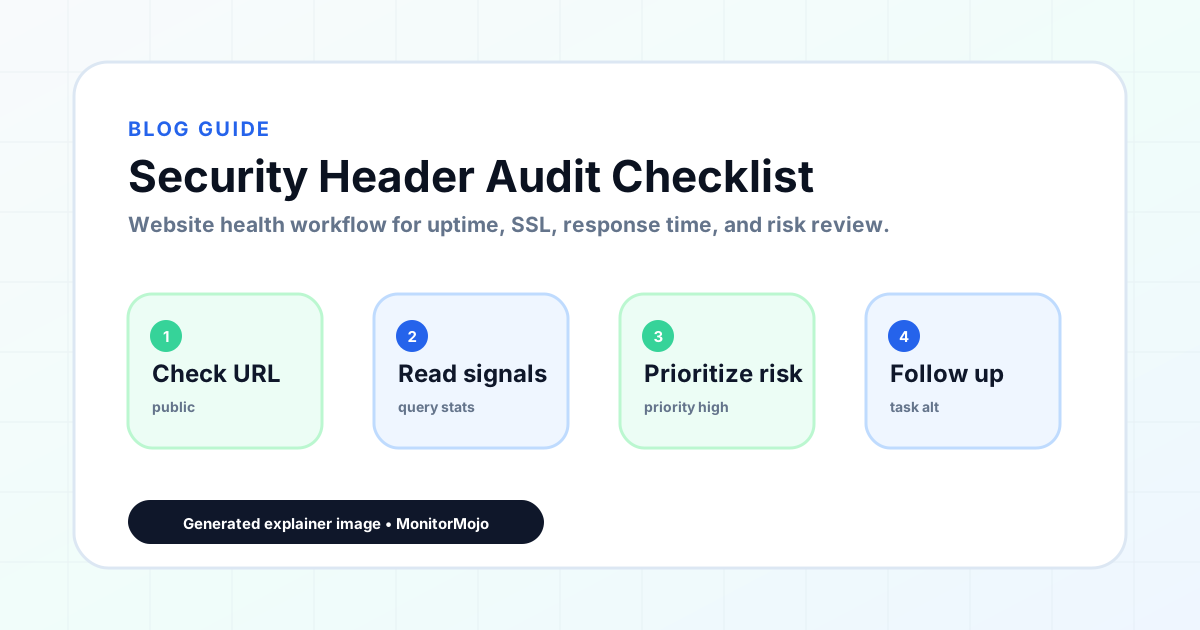
Step-by-step monitoring workflow
Start by listing the URLs that actually matter instead of just the homepage — for a small team doing a routine check before something breaks in front of a visitor, that usually means the pages tied to revenue, signups, or trust, not every page on the site.
Next, define the check types for each URL: reachability, HTTP status, HTTPS/SSL certificate status and expiry window, response time, redirect behavior, and security header presence. For API, CLI, and AI-agent workflows, document which endpoint or command runs the check and where the result is stored.
Set a cadence that matches the risk — a low-traffic page may only need a monthly look, while a page tied to revenue or signups deserves a check after every deployment and before any campaign or launch.
Record what you find with a consistent format: URL, check type, status, issue, owner, detected date, and next review date. Then say what actually happened in plain language — a check can surface a symptom, but site owners and small teams still need to confirm the cause.
- Choose the URLs that matter most to visitors, clients, revenue, and operations.
- Run uptime, SSL, response time, and security header checks on a consistent schedule.
- Triage failed or risky checks by likely owner: hosting, DNS, SSL, code, platform, or third party.
- Record notes in a repeatable format so future reviews do not start from scratch.
- Send a plain-language summary with the issue, impact, owner, and next review date.
- Run a confirmation check after remediation so there is an external result to reference.
Checklist or template
Use this template for recurring reviews: [URL], [Check Type], [Status], [Issue], [Priority], [Owner], [Detected Date], [Resolved Date], [Next Review Date]. Add a one-line summary at the top: what changed, what needs attention, and who owns the next step.
For site owners and small teams, group findings into the four signals that matter most: reachability, SSL status, response time, and security headers. Where nothing needs action, say the check found no issue in that area rather than implying full coverage.
- [URL]: the exact page or endpoint checked.
- [Check Type]: uptime, SSL, response time, headers, API, CLI, or agent workflow.
- [Status]: pass, review, failed, blocked, or needs human investigation.
- [Issue]: the observable symptom, not an unsupported root-cause claim.
- [Owner]: agency, developer, host, DNS provider, client, or third-party vendor.
- [Next Review Date]: when the team should confirm status again.
Common mistakes
The most common mistake is monitoring only the homepage while a checkout, signup, or booking flow silently breaks. Another is assuming SSL auto-renewal always works — it can fail quietly, and an external check is the only way to catch that before a browser warning does.
For site owners and small teams specifically, the recurring miss is treating one clean check as proof the whole site is fine, or fixing an issue without ever writing down what happened — which means the next person repeats the same investigation from zero.
- Tracking too many low-value URLs while missing the ones that matter.
- Skipping notes after an issue is resolved.
- Reporting a status without an owner or next step attached.
- Assuming automation can resolve an incident without human review.
- Treating one clean check as proof that every risk is covered.
Practical example
Consider a small team doing a routine check before something breaks in front of a visitor. A scheduled check flags that the site is slower than its usual baseline and that a security header is missing. Instead of guessing, the team logs the observation with a timestamp, assigns an owner, and re-checks after the fix ships — turning a vague "something feels off" into a specific, closed-loop task.
How MonitorMojo helps
MonitorMojo runs website health checks that combine reachability, SSL certificate status, response time, and security header presence in one workspace, so this workflow doesn't require stitching together several separate tools.
The API and CLI make the same checks scriptable for site owners and small teams who want them wired into an existing process, while credit-based checks keep it practical to run reviews exactly when they matter — before a client call, after a deploy, or when someone asks whether the site is healthy. Results still depend on hosting, DNS, and how quickly the responsible team acts on what the check finds.
Who this is for
- Agencies reviewing client websites for security header compliance
- Freelancers who include security reviews in their care plan or audit services
- Web professionals who want to identify and report security header gaps
- Anyone building a structured security review process for client websites
Frequently Asked Questions
What are the most important security headers to check first?
Start with Strict-Transport-Security, X-Content-Type-Options, and X-Frame-Options. These three cover the most common attack vectors and are relatively straightforward to add on most servers.
Can security headers be added to a WordPress site?
Yes, but the method depends on the hosting setup. On many hosts, they can be added via .htaccess (Apache) or Nginx configuration. Some hosting providers and CDNs offer header configuration through their control panel.
What if my agency does not have server access to add headers?
Document the missing headers in your audit report and recommend the client contact their hosting provider to configure them. Your job is to identify and communicate the gap.
Is a missing Content-Security-Policy a critical finding?
It is significant but CSP is complex to configure without breaking site functionality. For most small business client sites, it is better classified as a medium-priority recommendation — important but not an emergency.
Can this prevent every issue with the site?
No. Monitoring helps site owners and small teams detect website health signals and organize follow-up, but it does not prevent every outage, SSL issue, slow response, or third-party failure. The result still depends on hosting, DNS, infrastructure, and how quickly the responsible team investigates and responds.
What should a monitoring report include?
The URL, check type, current status, detected issue, priority, owner, detected date, resolved date if applicable, and the next review date. Keep the language tied to what the check actually observed, especially when the root cause still needs developer, host, or platform review.